

Share your contact details in a single scan. Save your info directly to any smartphone with a digital business card.
Enter your contact details
Paper cards are frequently lost, discarded, or typed into phones with spelling errors.
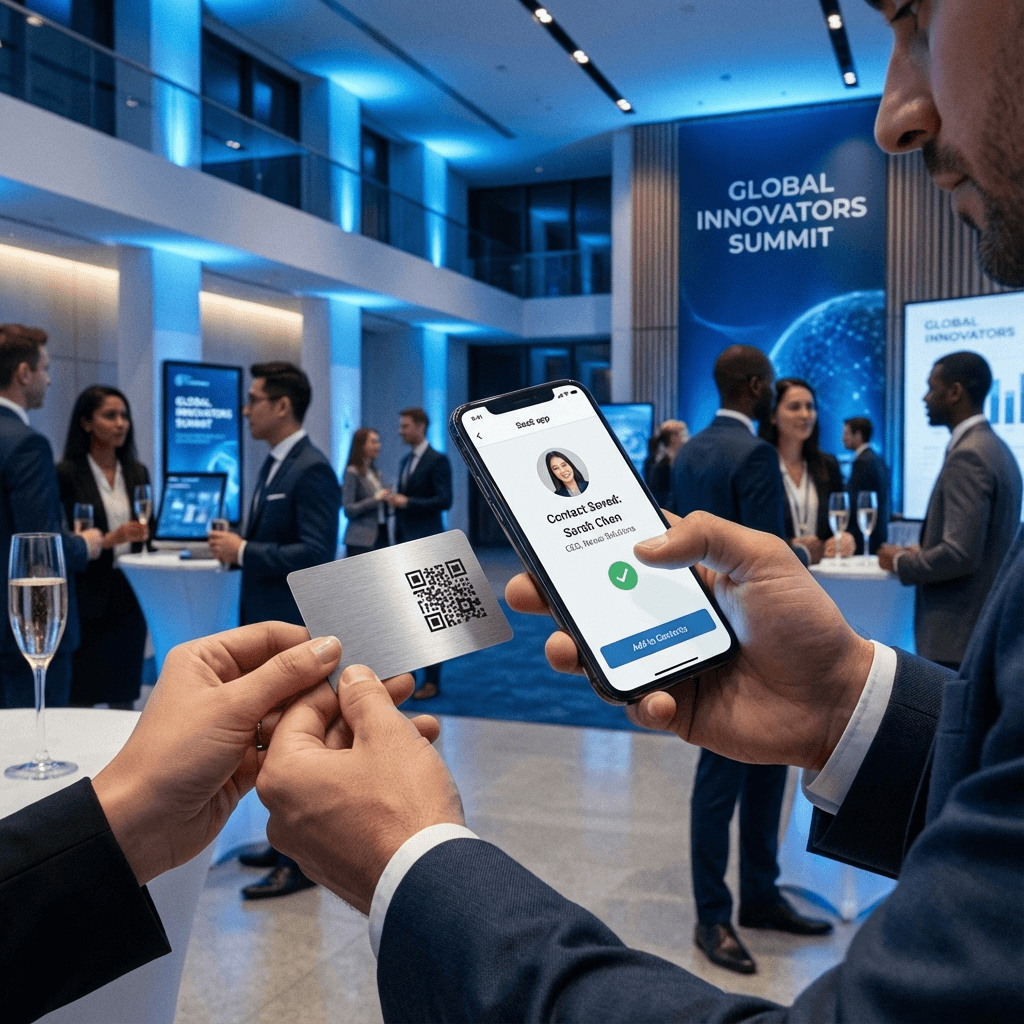
A vCard QR code stores your complete digital contact card. Scanning prompts the recipient's phone to create a new contact with your name, phone, email, company, and title with a single tap.
Prompts the native address book immediately with pre-filled names, numbers, and emails.
Compliant with iOS Contacts and Android Google Contacts without third-party apps.
Guarantees that your email and phone digits are stored accurately on the first attempt.
Track how many people scan your card at trade shows, conferences, and meetings.
Seamless contact exchange for meetings, conferences, employee badges, and marketing presentations.
Print on the back of physical cards so recipients can instantly save your contact to their phone.
Display on event badges and lanyard tags for rapid networking across trade floors.
Include on CVs and pitch decks to help hiring managers and clients call or email in one click.
Standardize digital business cards across sales, support, and executive personnel.
Digital contact exchange significantly increases follow-up rates compared to paper cards.
Most paper business cards are tossed within a week. Digital contacts stay in the phone.
Prospects who save a contact via vCard are far more likely to initiate subsequent calls or emails.
Standard vCards encode contact fields directly, working even when scanning without Wi-Fi.
Set up your scannable digital business card in four simple steps.
Fill in name, phone, email, company name, and job title.
Apply brand colors and embed your company logo.
Export high-resolution SVG or PNG graphics for printing.
Place on physical cards, email footers, or trade show displays.
Fast, accurate contact sharing for modern networking.
Saves your details directly into phone contacts with zero manual typing.
Make networking frictionless and ensure your phone number and email are saved accurately.
Answers to technical and compatibility questions.
A vCard QR code encodes your contact information using the standardized VCF (Virtual Contact File) format. When scanned, it triggers iOS and Android phones to display an 'Add to Contacts' prompt with all fields populated.
No. All modern smartphone camera apps automatically parse vCard QR codes and open the native Contacts application.
Yes, when you choose a Dynamic QR code in Connextify. Dynamic vCards route through a short link that allows you to edit phone numbers, job titles, or emails anytime from your dashboard without reprinting physical cards.
We recommend printing at least 0.8 x 0.8 inches (2 x 2 cm) with a clean quiet zone margin around the code for fast scanning.
Yes. The vCard standard is globally recognized across Apple iOS, Google Android, Windows, and macOS devices.
Share your complete contact details in a single scan.