

1. Navigation
  2. QR Codes
  3. Portfolio Qr Code Generator
Connextify logoConnextify logo

Link Management

Short URLs
Create & track short links
Branded Links
Custom domain short links
A/B Testing & Rotation
Traffic split & link rotators
Link Intelligence
Click Analytics
Real-time link engagement insights
Click Stream
Sub-second live event feed
Webhooks
Real-time workflow automation

Pages & Bio

Link in Bio
High-converting micro-sites & blocks
Landing PagesComing Soon
Custom campaign landing pages
Page Intelligence
Page Analytics
Block clicks, visitor taps & stats
Page A/B Testing
Variant split tests & conversion ROI

QR Platform

QR Generator
47+ dynamic QR code types
Explore
Scan Intelligence
QR Analytics
Physical-to-digital scan data
Popular Types
EmailWiFivCardMenuEventPayment
Browse all QR types
Featured Solutionv2.4 Live

Model Context Protocol & Chrome Extension

Shorten links, generate dynamic QR codes, and trigger edge telemetry directly inside Claude, Cursor, and Chrome.

mcp://connextify Active
tool: create_short_link & qr
Explore Integrations
Start Free — No Credit Card
Free Tools
Scanner, barcodes & link tools
Features Comparison
Compare plans, features & limits
Tech Specs
System specs & API limits
Help & Tutorials
Learn how to use the app
AI Models
Claude
MCP Integration
xAI Grok
MCP Integration
ChatGPT
MCP & Actions
Apps
Chrome Extension
Fast Browser Links
Adobe Express
Design Canvas Add-on
Figma Plugin
Canvas Design Integration
Google Workspace Add-on
Google Workspace
Docs & Sheets Add-on
Automations
Zapier
Zaps & Triggers
Make.com
Scenarios & Flows
n8n Automation
Scenarios & Flows
Integrately
1-Click Recipes
New Ecosystem
"Effortless link branding & automation, click by click."
BlogPricing
Apps & AINew
BlogPricing
Portfolio QR Code Generator

Impress Clients with Portfolio QR Codes

Put your best work front and center. Share your creative portfolio or personal site with a professional QR code.
Completely Free
No hidden fees
Analytics
Track scans live
Instant
Ready instantly
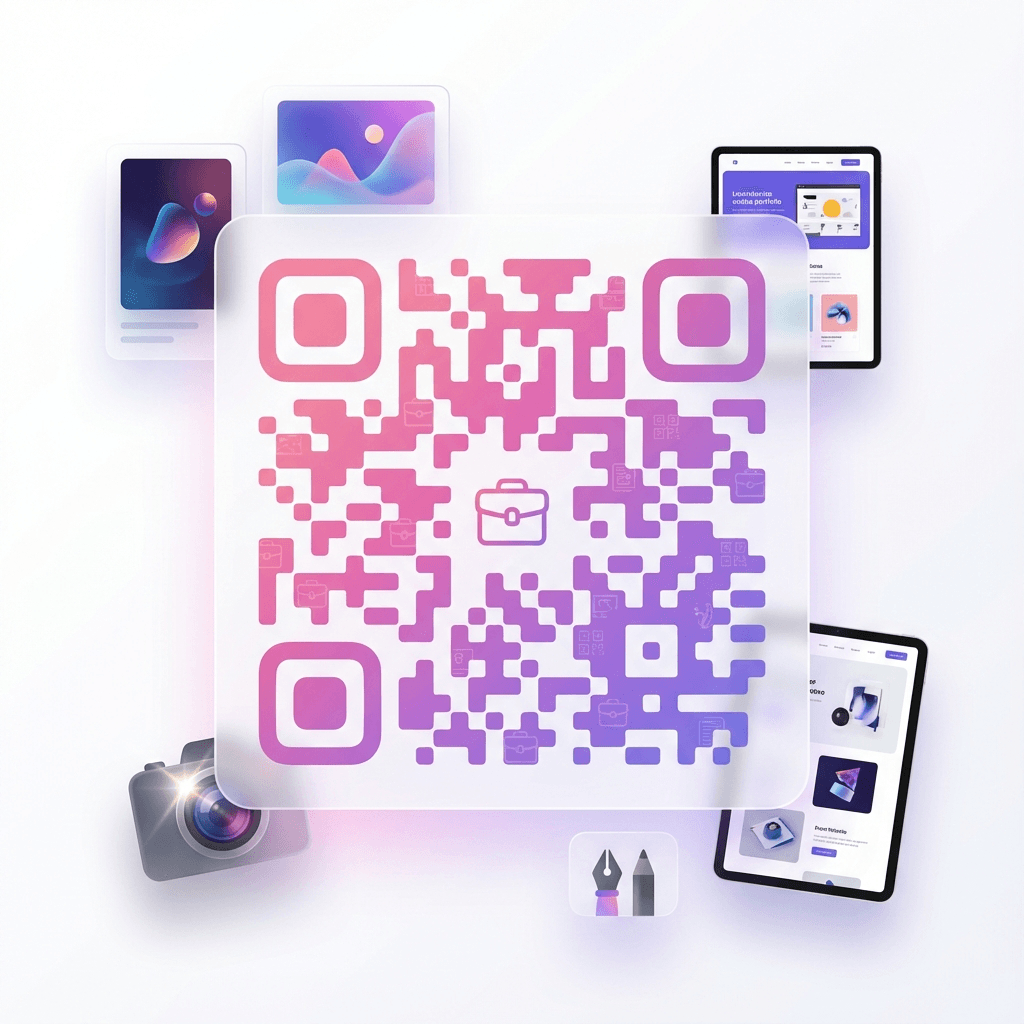
Portfolio QR Code - Showcase your creative work
Showcase Work
Portfolios Shared
40K+ Monthly

Create Your Portfolio QR Code

Enter your portfolio URL

Link to Behance, Dribbble, Adobe Portfolio, or your custom portfolio site.

Why creators use portfolio QR codes

When meeting clients, art directors, or event attendees in person, showcasing your creative work should be effortless.

A portfolio QR code delivers your design case studies, photography galleries, or architecture models directly to their smartphone screen with a single scan.

Instant work showcase

Directs clients to high-resolution galleries and case studies with zero typing.

Multi-platform support

Works with custom websites, Behance, Dribbble, Adobe Portfolio, and Notion pages.

Track client interest

Monitor scan timestamps following client pitch meetings and art exhibitions.

Live project updates

Add new work to your portfolio anytime without having to update printed cards.

Where to place portfolio QR codes

Feature your creative work across print cards, gallery wall labels, resumes, and proposal decks.

Creative business cards

Print on the back of cards so agency directors can browse work on the spot.

Art & photo exhibitions

Place on gallery placards next to physical art pieces to show full series.

Resumes & CV decks

Embed in PDF job applications for quick access on reviewer phones.

Client pitch proposals

Add to project estimates so clients can view relevant past case studies.

Creative portfolio metrics

Showcasing work directly via mobile QR codes increases client portfolio review rates.

3.6x
Higher review rate

Direct QR code scans result in more complete case study reviews than written URLs.

100%
Visual clarity

Opens responsive portfolio websites optimized for high-density smartphone displays.

< 2s
Fast mobile load

Instant camera recognition directs clients straight to your work showcase.

How to create your portfolio QR code

Generate your showcase code in four simple steps.

1

Enter portfolio URL

Paste your personal domain, Behance, or Dribbble URL.

2

Customize design

Style the QR code with brand colors and personal logo.

3

Download files

Export high-resolution SVG or PNG vector formats.

4

Track views

Monitor how many clients scan your work across pitches.

Frequently asked questions

Answers to portfolio QR code questions.

Can I use links to Behance, Dribbble, or Notion?

Yes. You can paste any valid portfolio link including Behance, Dribbble, Adobe Portfolio, ArtStation, Notion, or custom domains.

Can I update my portfolio link later without changing the QR code?

Yes. With dynamic QR codes in Connextify, you can redirect to a new website or case study anytime from your dashboard.

What vector format should I use for printed portfolios and cards?

Download the vector SVG file. It scales infinitely for everything from 2-inch business cards to large exhibition posters with crystal-clear edges.

Can I track how many prospective clients scan my card?

Yes. Connextify dynamic QR codes provide real-time scan analytics showing total views, scan dates, and city hubs.

Ready to showcase your creative work?

Share your portfolio with clients and collaborators in a single scan.

Connextify URL Shortener & QR Code Generator Logo

The most powerful URL shortener and QR code generator. Create, track, and optimize your links with advanced analytics.

Based in London, United Kingdom

Product

  • URL Shortener
  • Branded Links
  • QR Code Generator
  • Automation & AI
  • A/B Testing & Conversions
  • Link in Bio
  • Features
  • Pricing
  • Technical Specifications
  • Integrations & MCP
  • Webhooks & Automation

Company

  • About Us
  • Blog
  • Help & Tutorials
  • API Documentation
  • Report a Bug
  • Report Abuse
  • Contact

Legal

  • Privacy Policy
  • Terms of Service
  • Acceptable Use Policy
  • Cookie Policy
  • Trial Terms & Conditions

© 2026 Connextify. All rights reserved.