
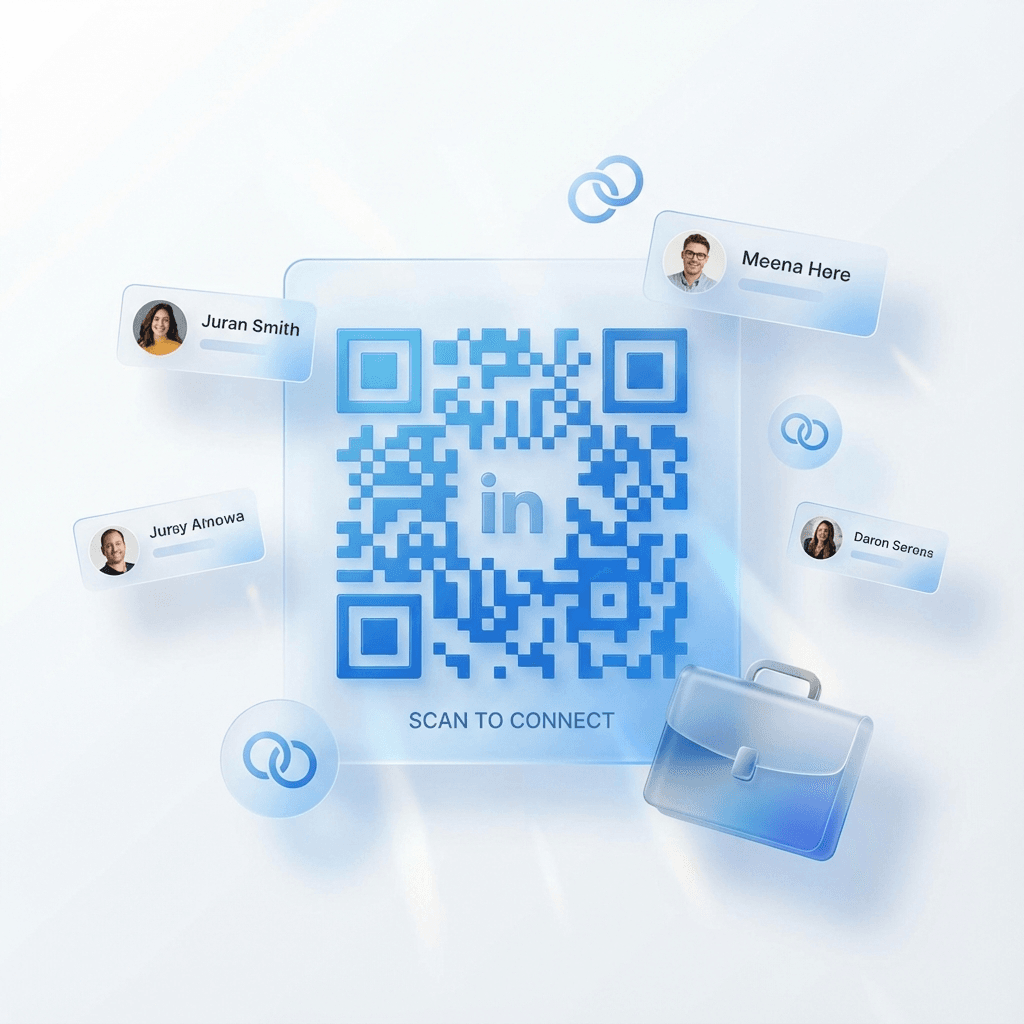
Build your professional network instantly. Link directly to your profile—ideal for networking events and conferences.
Enter your LinkedIn profile URL
Asking new professional contacts to search your name on LinkedIn often results in misspellings or lost connections.
A LinkedIn QR code takes contacts directly to your verified profile or company page. Scanning opens your experience history and gives them an instant "Connect" button.
Opens your profile directly in the LinkedIn app with a pre-loaded connect prompt.
Convert live networking discussions into long-term professional connections.
Track profile views and scan activity across different conferences and events.
Update career changes on your profile without changing printed business cards.
Effortless professional networking for events, job applications, and sales meetings.
Place on the back of cards and event lanyards for rapid connection exchanges.
Include on your presentation closing slide so attendees can follow your work.
Add to job applications so recruiters can review full recommendations and projects.
Feature on one-pagers and decks to build trust with enterprise prospects.
Direct LinkedIn QR access drives immediate follow-up connections after events.
Connect with professionals across virtually every industry worldwide.
Instant QR scanning dramatically increases acceptance rates compared to later search.
Opens the installed LinkedIn application directly on iOS and Android devices.
Generate your professional networking code in four simple steps.
Paste your LinkedIn personal profile or company page address.
Apply brand colors and add your company logo.
Export high-res PNG or SVG vector files ready for print.
Monitor profile scans and attendee engagement.
Answers to LinkedIn QR code questions.
Yes. Mobile operating systems automatically recognize LinkedIn profile URLs and open them inside the native LinkedIn app if installed.
Yes. You can paste any valid LinkedIn organization, business, or showcase page URL.
Yes. Connextify dynamic QR codes provide real-time scan analytics showing total views, scan dates, and city hubs.
We recommend a minimum size of 0.8 x 0.8 inches (2 x 2 cm) with a clear margin for fast camera focusing.
Share your professional profile with a single scan.